Share the Experience
Gift Certificates
Want to share Kin Da with someone special? We offer gift cards two ways — online through our ordering system, or in-person for dine-in, carry-out, and phone orders.
Online
Gift Card for Online Orders
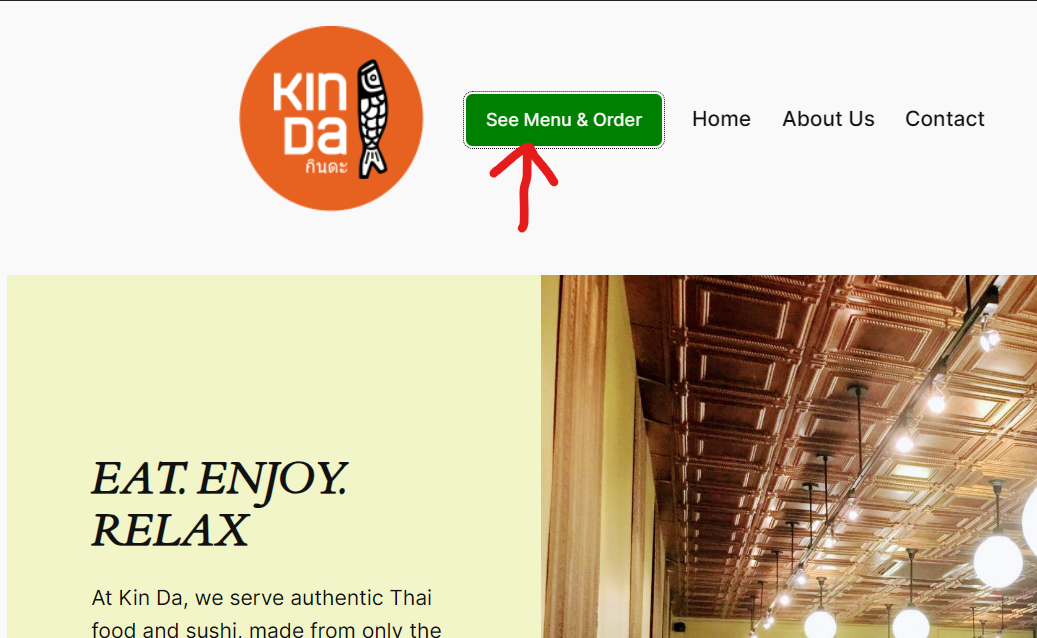
- 1
- 2Select "Take-out" and sign in to your account.
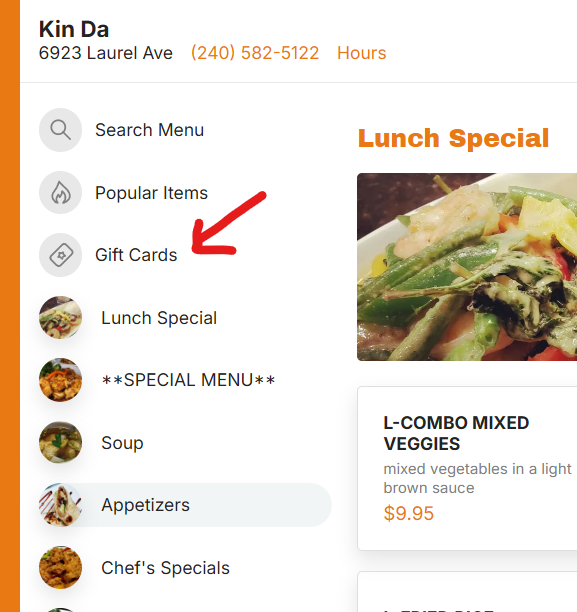
- 3Select the "Gift Cards" category.
- 4Choose an amount and fill in the recipient's email. They'll receive a link to add the value to their account — or create a new one.
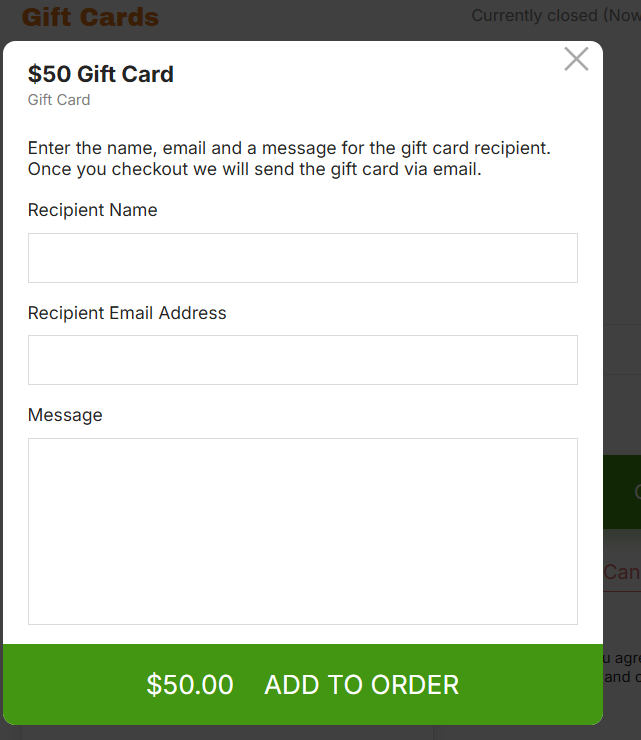
- 5Add to cart and checkout as normal. The recipient receives redemption instructions by email right away.
In Person
Gift Card for Dine-In / Carry-Out / Phone
- 1Email us at info@kindatakoma.com or use our Contact page.
- 2Include: Gift Card Amount · Your Name · Recipient Name · Delivery method (email or postal mail).
- 3We'll send a PayPal payment request from Prasobsuk Inc. (our business entity). Once paid, we deliver the card via your chosen method.
Note: In-person gift cards are for dine-in, carry-out, and phone orders only.
The online and in-house systems are not linked.